


Blog
Understanding USB 3.1 : The Bridge to 10Gbps


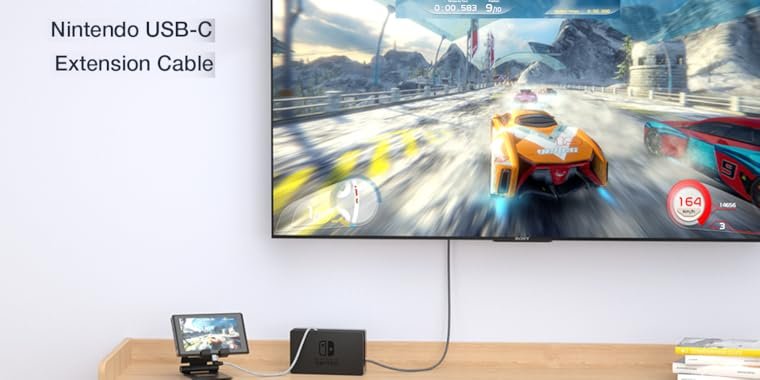
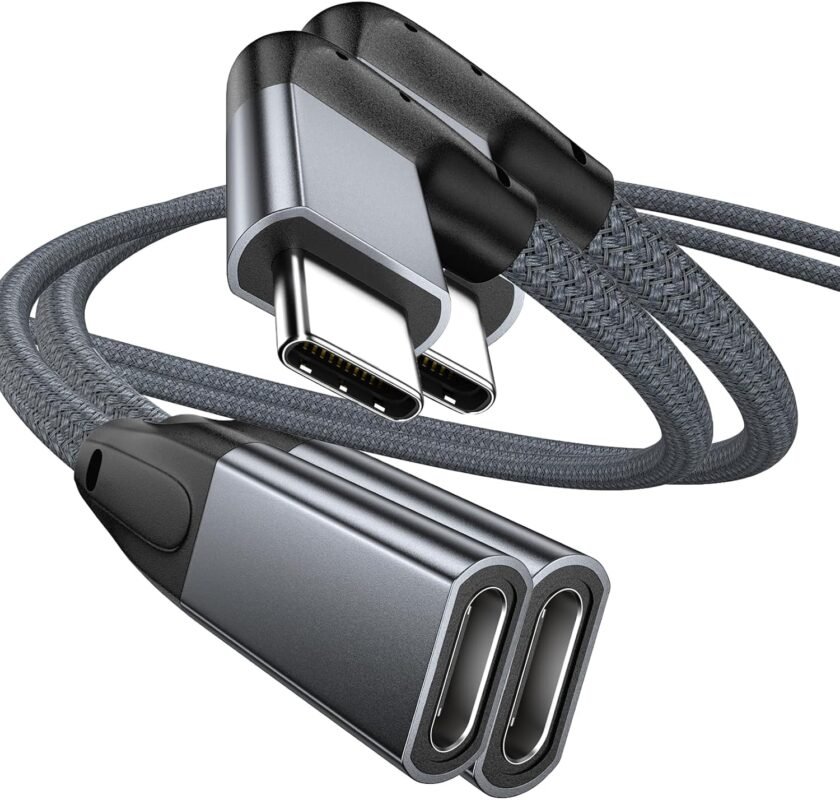
UseBean Right Angle USB C Extension Cable 3.3FT 2-Pack, USB-C 3.1 Gen2 10Gbps Male to Female 4K Video Cord,Compatible for iPhone 15 Pro Max,M3 MacBook Mac,iPad mini/Pro,Surface Go, Galaxy S24
Original price was: $ 18.49.$ 16.19Current price is: $ 16.19. Inc. Tax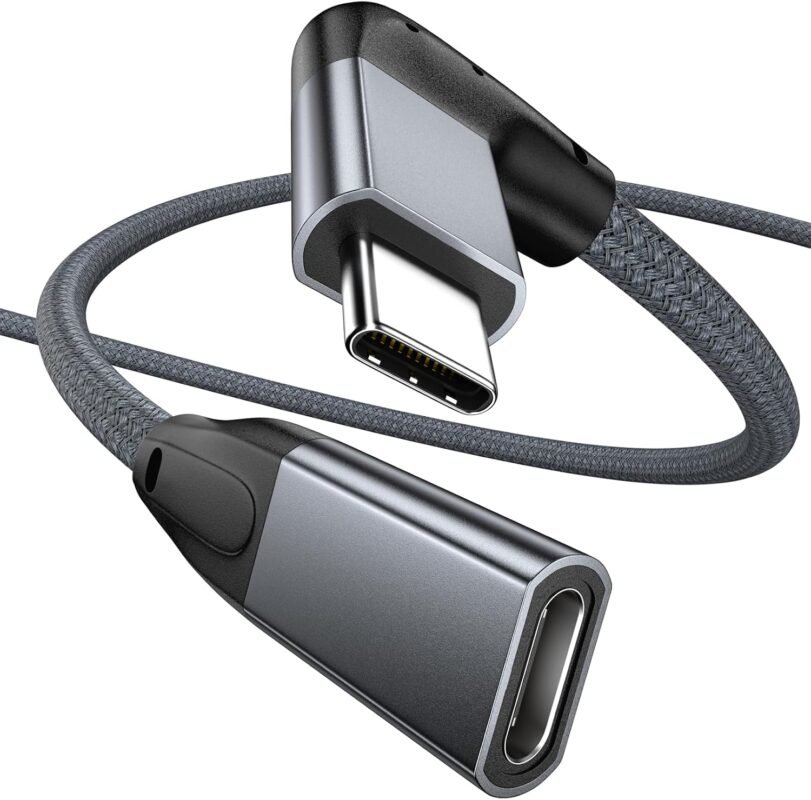
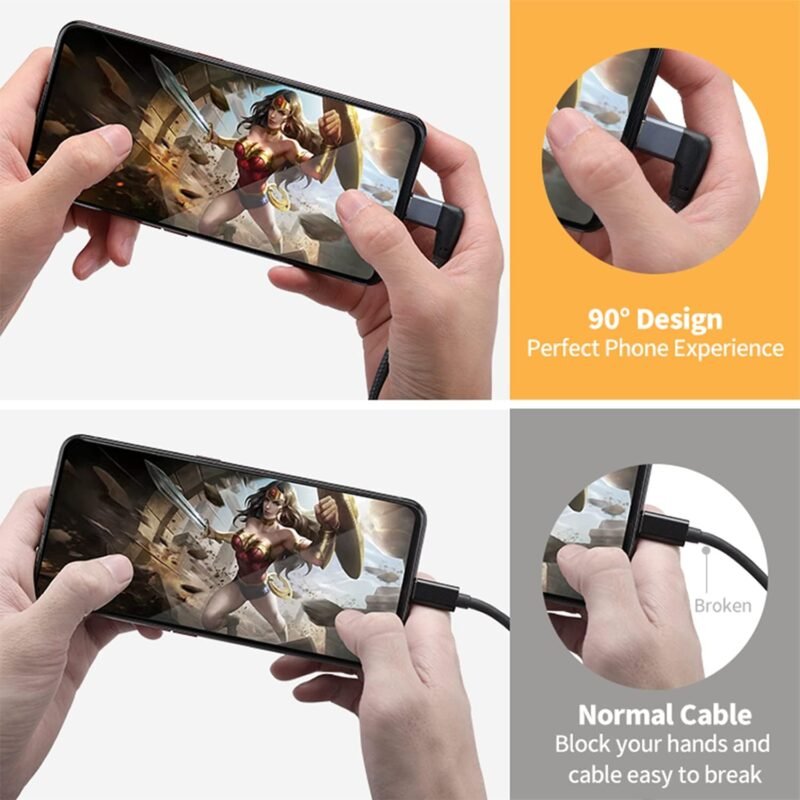
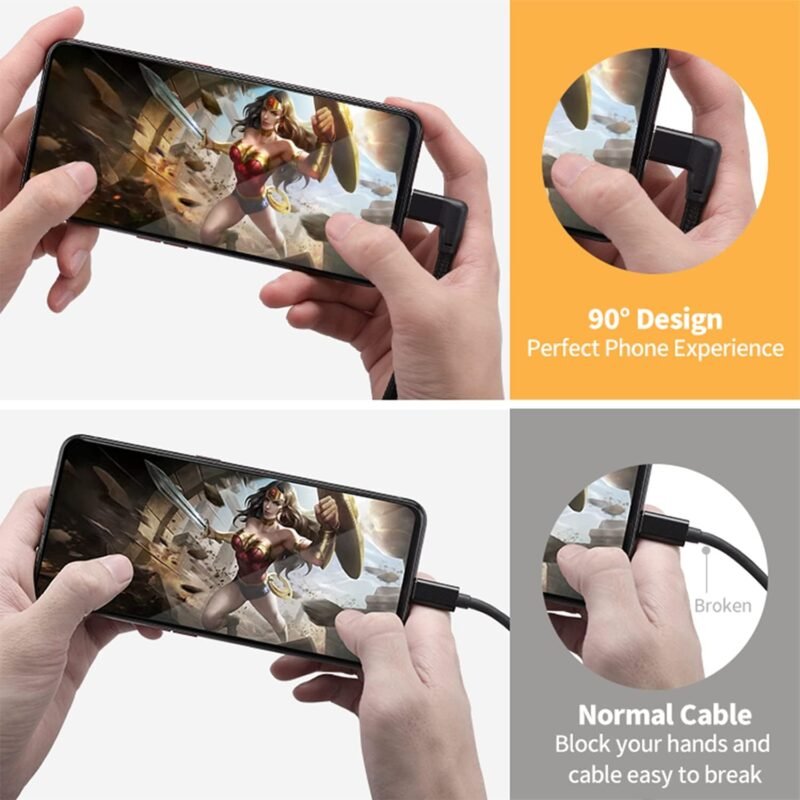
UseBean Right Angle USB C Extension Cable 3.3FT, 90 Degree USB-C 3.1 Gen2 10Gbps Male to Female 4K Video Cord,L-Shape Type C Extender,for iPhone 15,MacBook Mac,iPad Pro,Magsafe,Switch,Steam Deck
Original price was: $ 11.19.$ 8.89Current price is: $ 8.89. Inc. Tax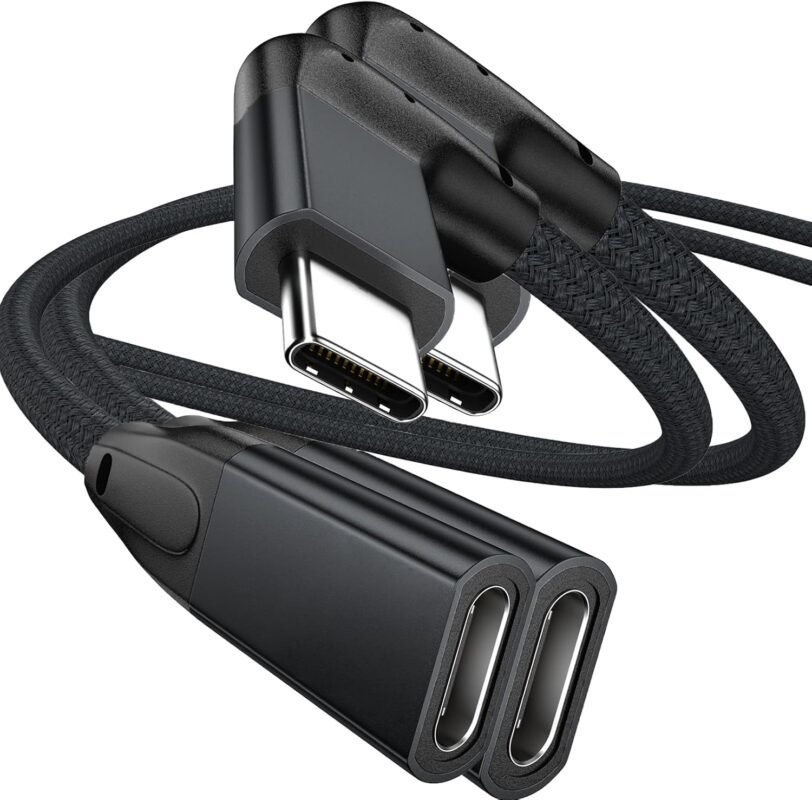
UseBean Right Angle USB C Extension Cable 3.3FT 2-Pack, USB-C 3.1 Gen2 10Gbps Male to Female 4K Video Cord,Compatible for iPhone 15 Pro Max,M3 MacBook Mac,iPad mini/Pro,Surface Go, Galaxy S24
Original price was: $ 17.99.$ 15.69Current price is: $ 15.69. Inc. Tax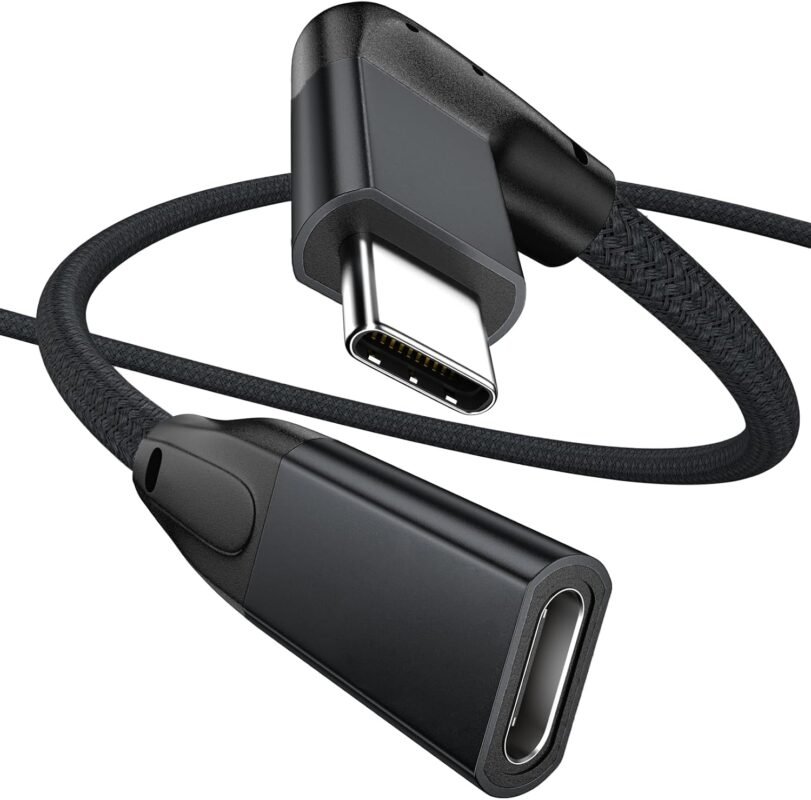
UseBean Right Angle USB C Extension Cable 6FT, 90 Degree USB-C 3.1 Gen 2 10Gbps Male to Female Type C 4K Video Extender Cord,for iPhone 15 MacBook Pro/Air,iPad Pro, Switch,Galaxy S24 S23 S22
Original price was: $ 12.69.$ 10.19Current price is: $ 10.19. Inc. TaxRelated Posts
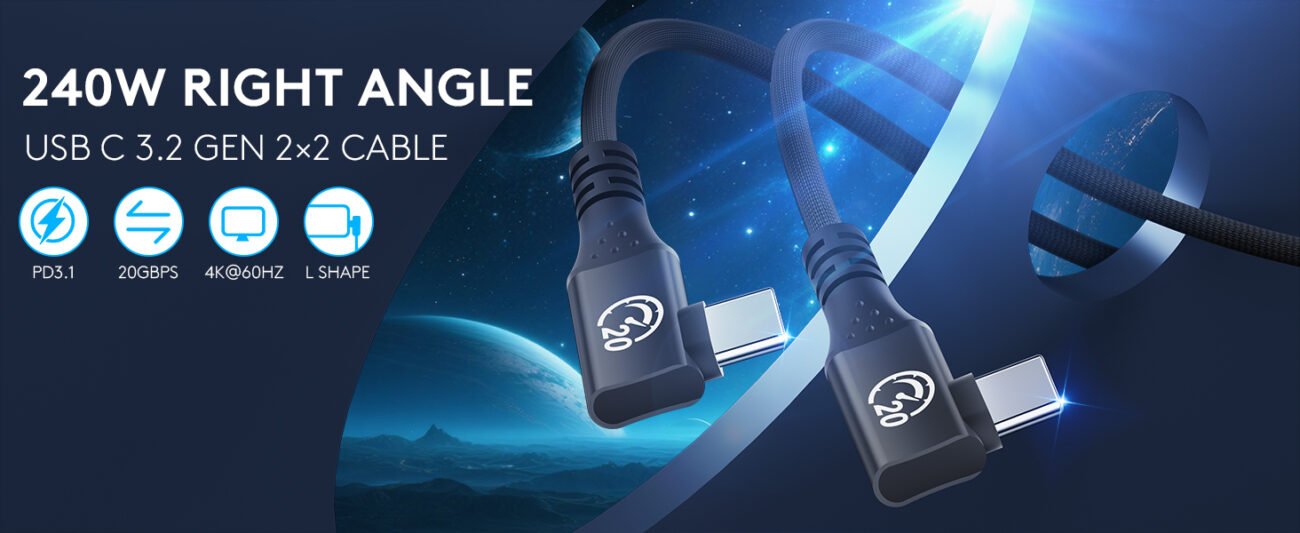
Understanding USB 3.2 : The Speed You Need

USB 3.2 is a critical specification in modern connectivity, representing a significant jump in data ...

Is Your Cable Holding You Back? The USB4 Advantage
In our daily tech life, we juggle between charging cables, data transfer cables, and video cables. W...