


Blog
Understanding USB 3.2 : The Speed You Need

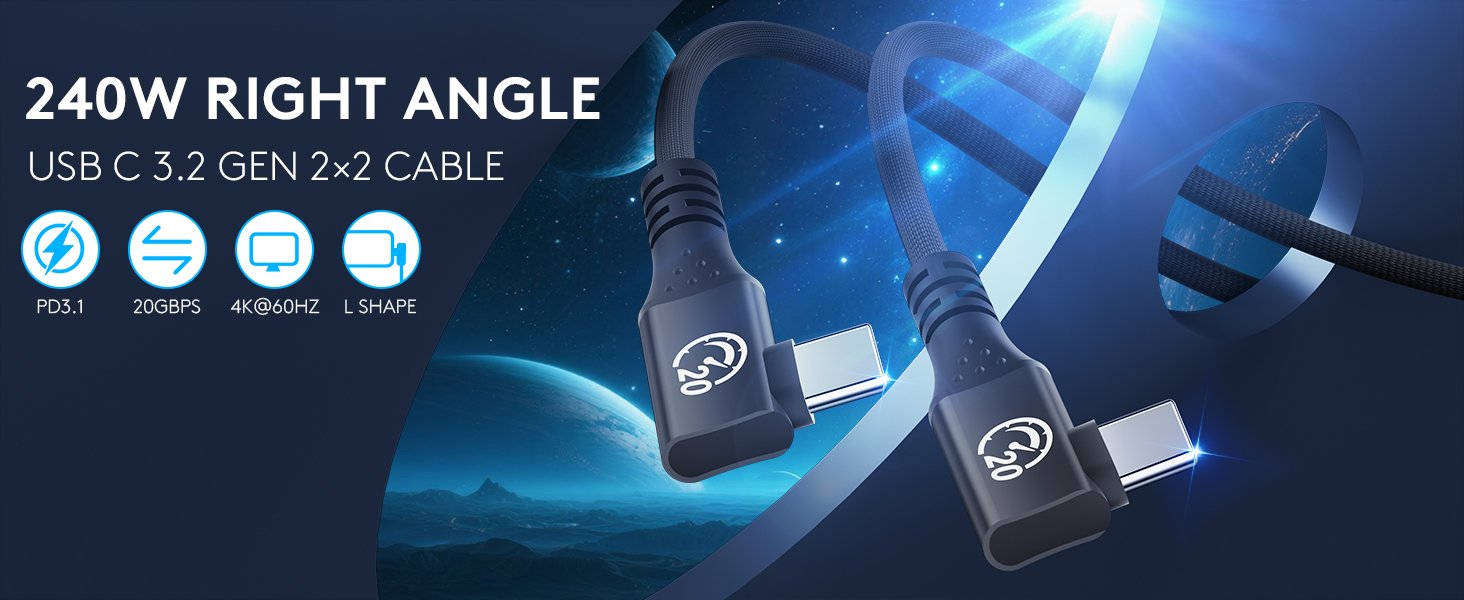
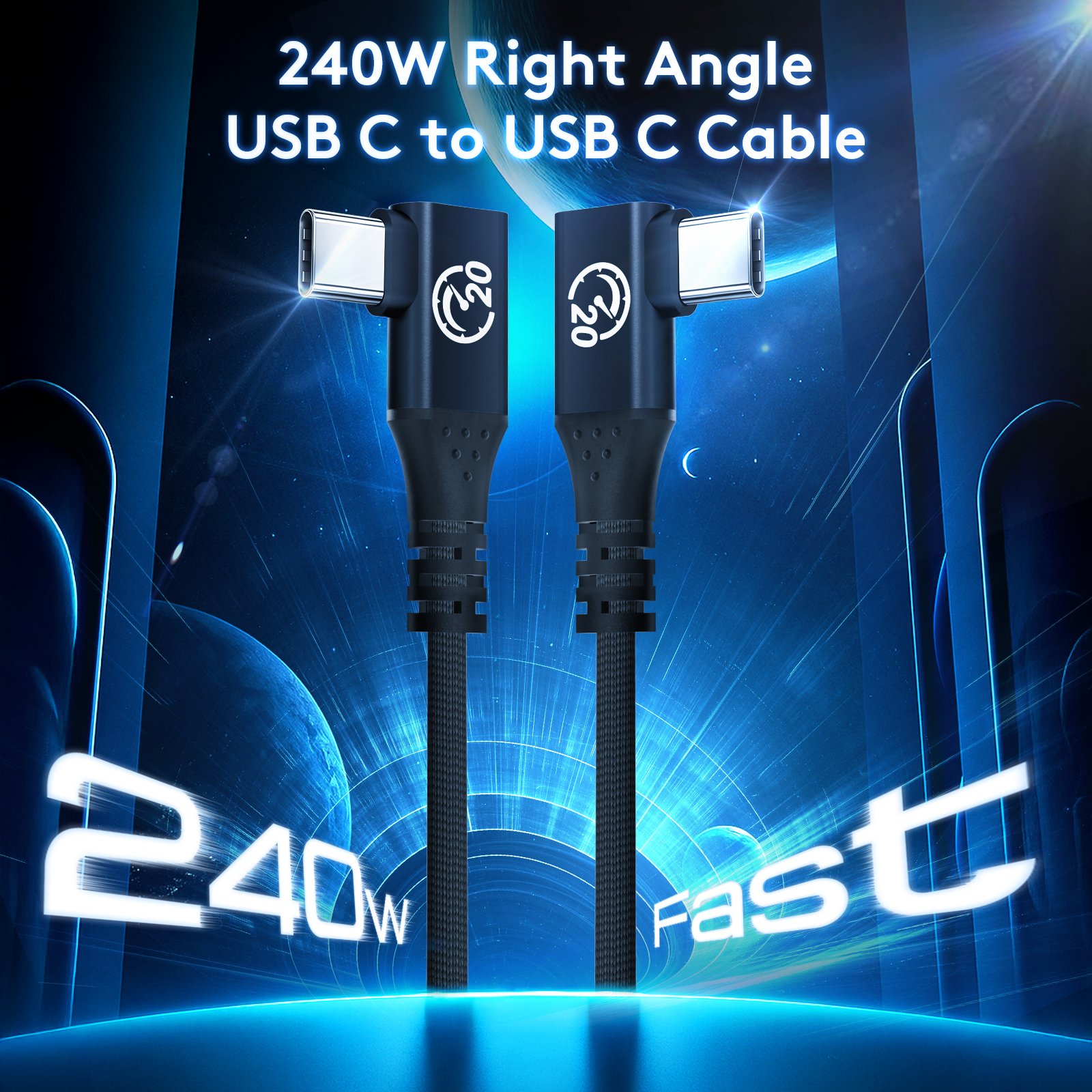
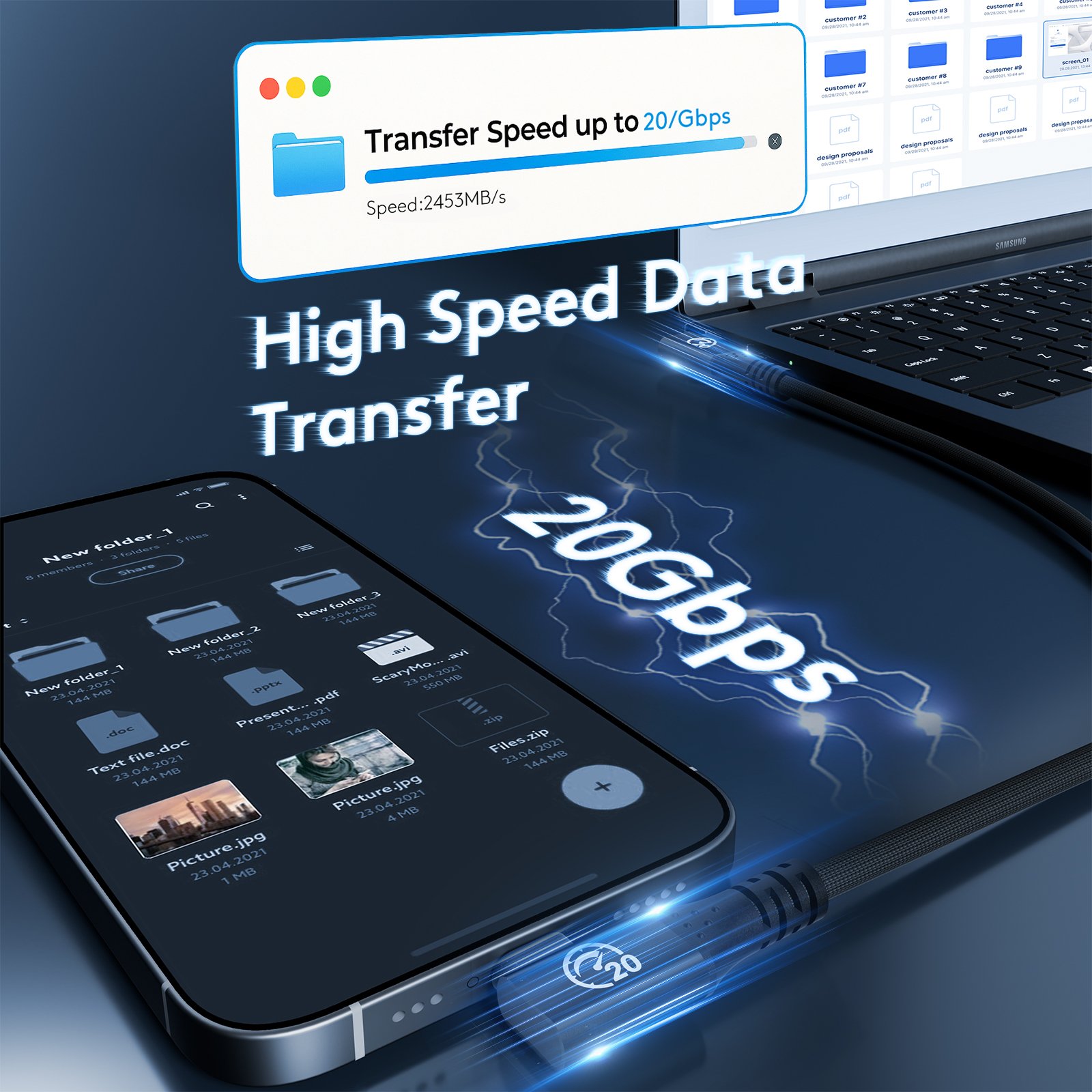

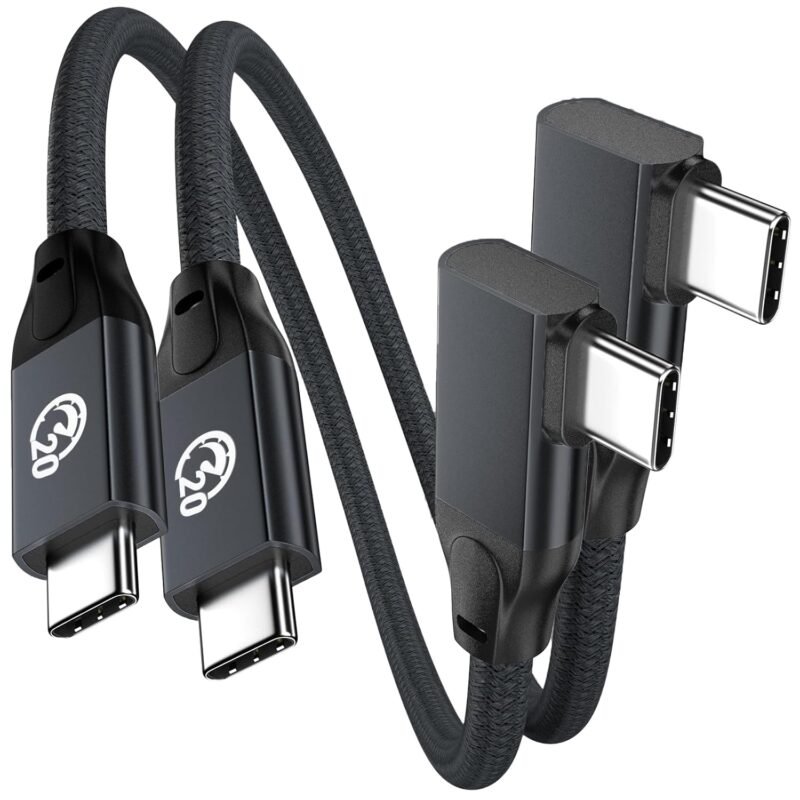
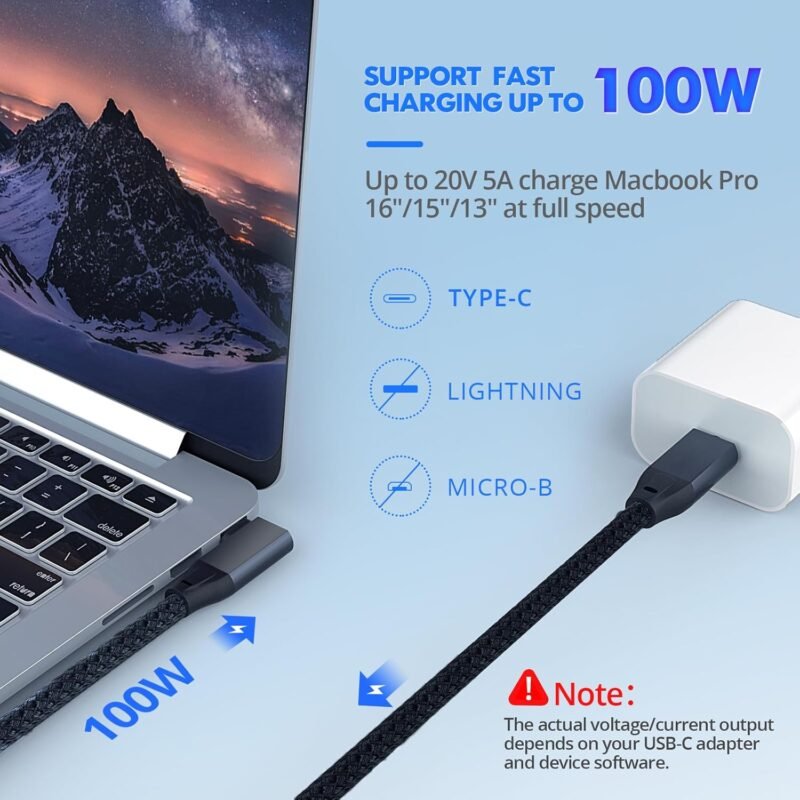
USB C Right Angle Cable 100W 1ft 2Pack, 4K Video Short USBC to USBC 3.2 Gen2x2 20Gbps Data Cable, Type C PD Charging Fast Charge Cord for iPhone 16 15 Pro Max iPad MacBook Galaxy S25
Original price was: $ 17.99.$ 15.69Current price is: $ 15.69. Inc. Tax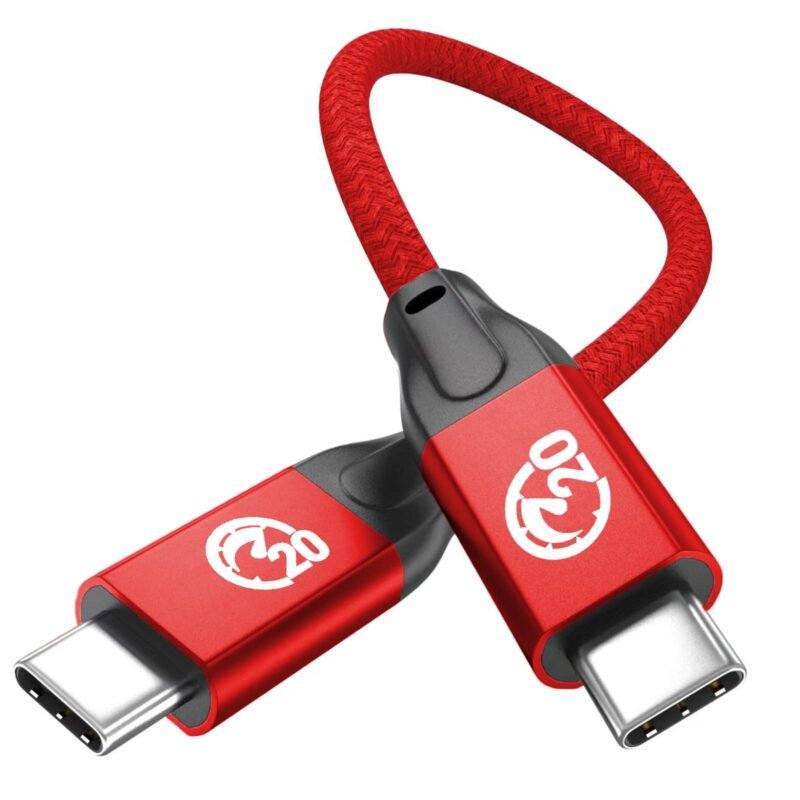
USB C to USB C Short Cable 0.6FT, 100W PD Fast Charging, Short USB-C Cable, USB 3.2 Gen 2X2 20Gbps, Type C to C 4K Video Monitor Cord for Thunderbolt 3/4 MacBook Pro, iPad Pro,Galaxy S24/S23
Original price was: $ 7.99.$ 5.69Current price is: $ 5.69. Inc. Tax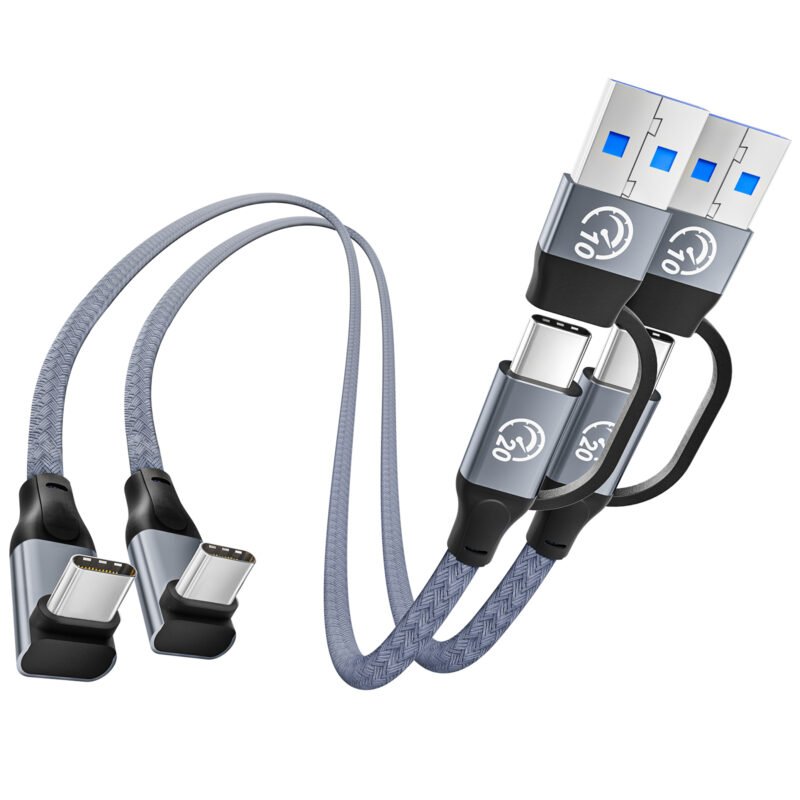
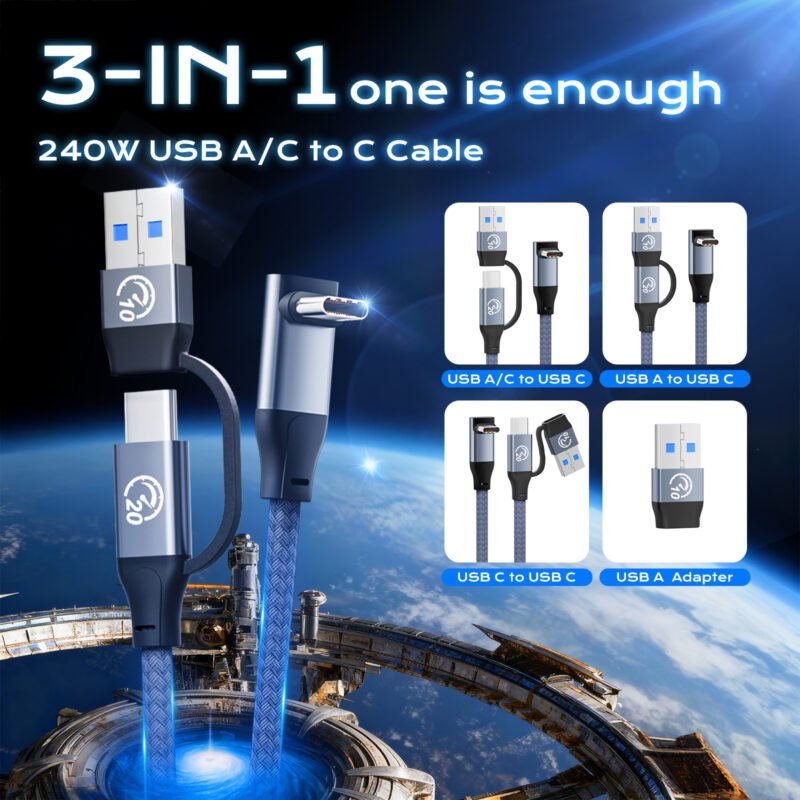
UseBean 20Gbps USB C 3.2 Gen 2 Cable Short 1FT 2Pack, 240W 90 Degree USBC Cable with USB to USB C Adapter, 5K/4K Video Type-C Monitor Cord for iPhone 17/17 Air/17 Pro/17 Pro Max/16/15, MacBook
Original price was: $ 20.99.$ 14.89Current price is: $ 14.89. Inc. Tax
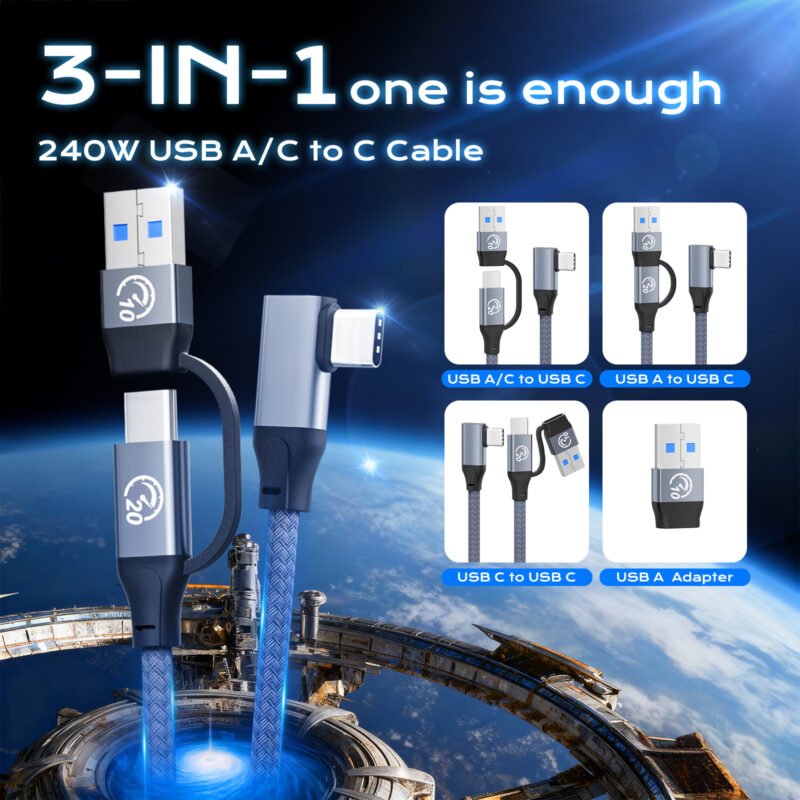
UseBean 20Gbps USB C 3.2 Gen 2 Cable Short 1FT 2Pack, 240W Right Angle USBC Cable with USB to USB C Adapter, 5K/4K Video Type-C Monitor Cord for iPhone 17/17 Air/17 Pro/17 Pro Max/16/15, MacBook
Original price was: $ 19.99.$ 14.09Current price is: $ 14.09. Inc. Tax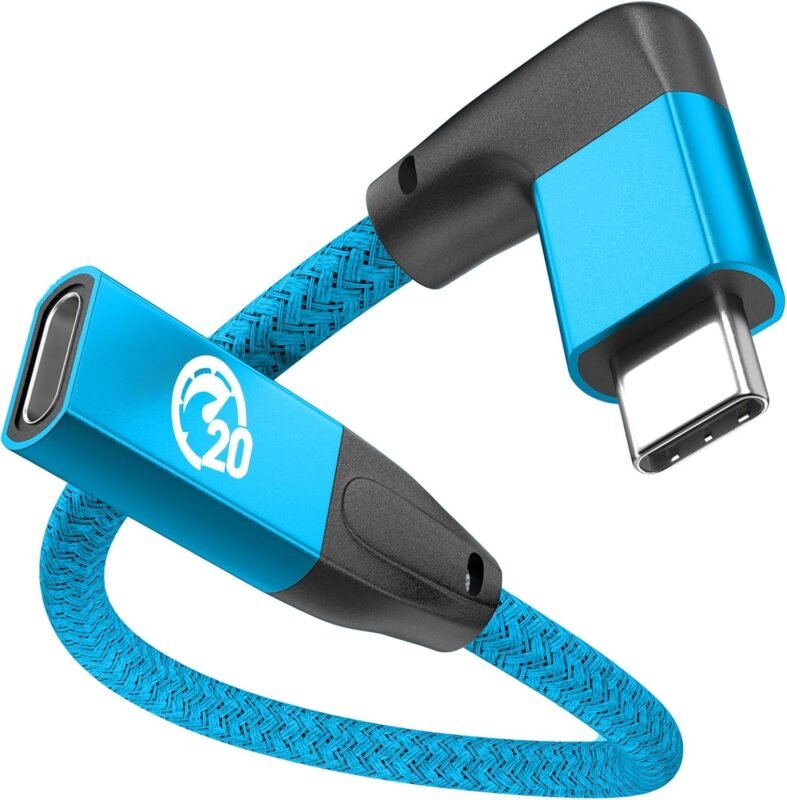

UseBean Right Angle USB C Extension Cable 0.6FT, 90 Degree USB-C 3.2 Gen 2 20Gbps Male to Female Type C 4K Video Extender Cord, for USBC Hub, MacBook, iPad Pro/Air/Mini, Galaxy S25/S24, iPhone 16 15
Original price was: $ 10.99.$ 8.69Current price is: $ 8.69. Inc. Tax

UseBean USB C 90 Degree Cable 1ft, 90° Short USBC to USBC 3.2 Gen 2×2 20Gbps Data Transfer Cable, 5K/4K 60Hz Monitor Cord, 240W PD Type C Rapid Charging Cord for iPhone 16 Pro Max, iPad, MacBook
Original price was: $ 12.99.$ 10.69Current price is: $ 10.69. Inc. Tax![usebean usb c cable 240w [0.6ft,2pack],usb 3.2 gen2 cable[pd fast charging& 20gbps data sync& 4k@60hz],usb a/c to usb c cable,type c charger for iphone 15 ipad pro/air macbook galaxy s24 ultra](https://usebeancn.com/wp-content/uploads/2025/11/短双-800x800.jpg)
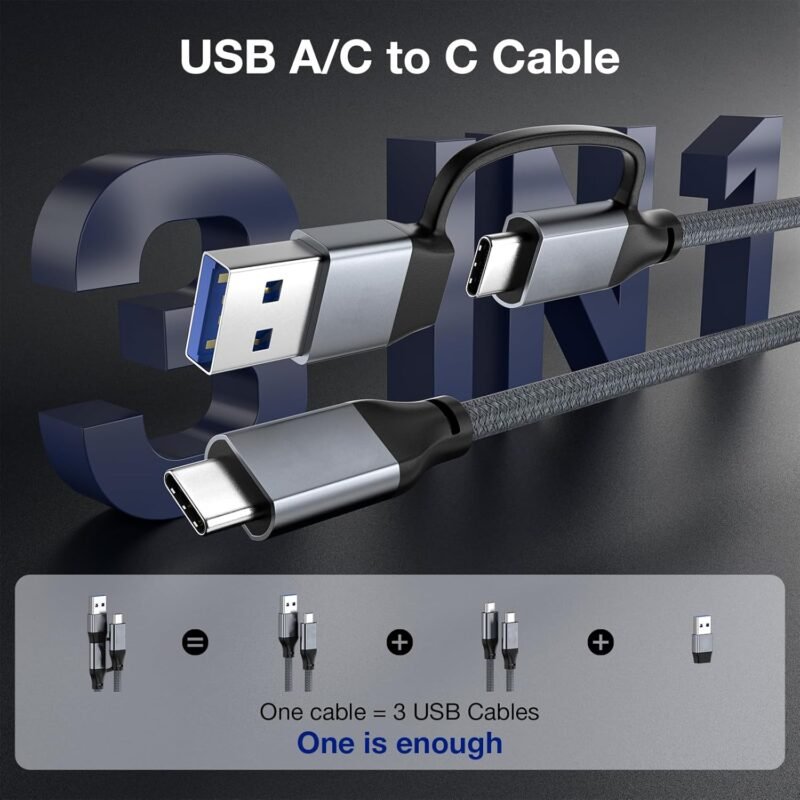
UseBean USB C Cable 240W [0.6FT,2Pack],USB 3.2 Gen2 Cable[PD Fast Charging& 20Gbps Data Sync& 4K@60Hz],USB A/C to USB-C Cable,Type C Charger for iPhone 15 iPad Pro/Air MacBook Galaxy S24 Ultra
Original price was: $ 13.99.$ 11.69Current price is: $ 11.69. Inc. Tax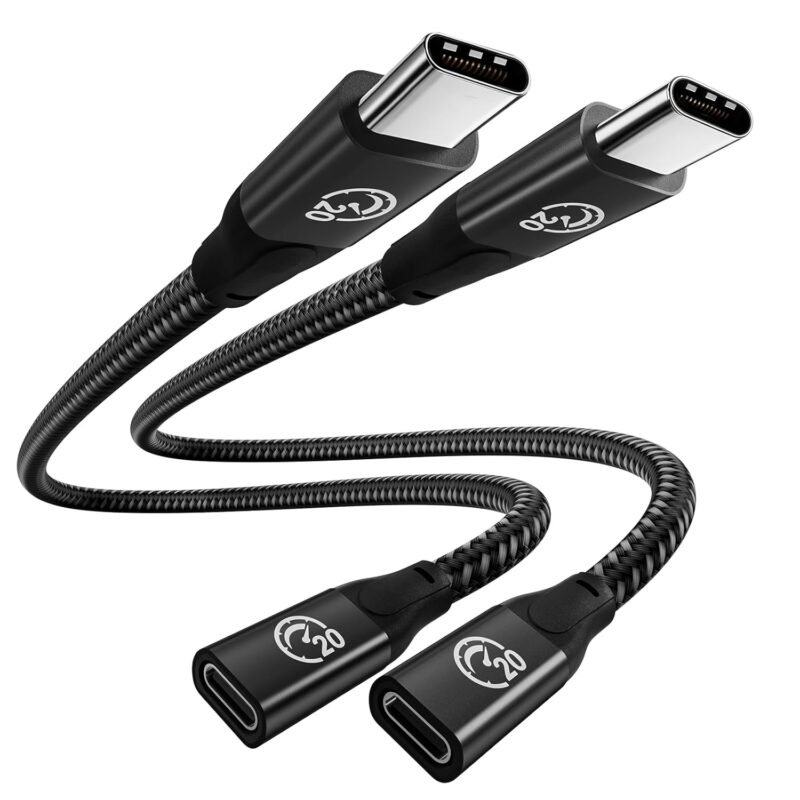

UseBean USB C Extension Cable 2FT 2Pack, USB-C 3.2 Gen2 20Gbps Male to Female 4K Video Cord, Type-C Extender, for MacBook Pro M4 M3, iPad mini Air Pro, Dell XPS, Surface, Galaxy S25 S24, iPhone 16 15
Original price was: $ 14.19.$ 11.89Current price is: $ 11.89. Inc. TaxRelated Posts

Is Your Cable Holding You Back? The USB4 Advantage

In our daily tech life, we juggle between charging cables, data transfer cables, and video cables. W...

Understanding USB 3.1 : The Bridge to 10Gbps
USB 3.1 was a crucial stepping stone in the evolution of USB technology, introducing speeds far beyo...