


Blog
Adapters Bridge the Connectivity Gap

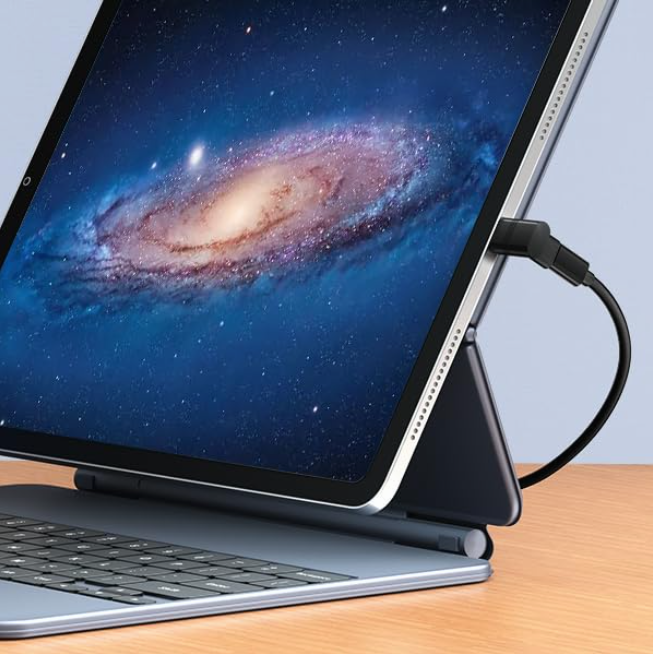
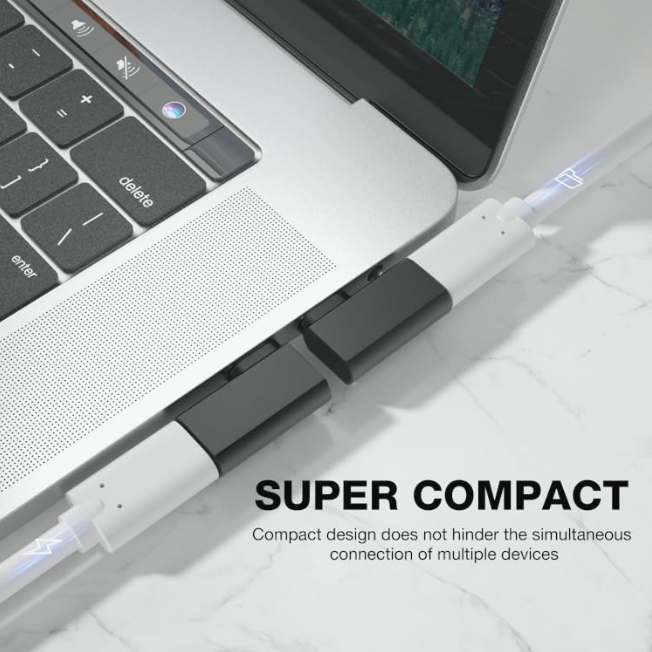
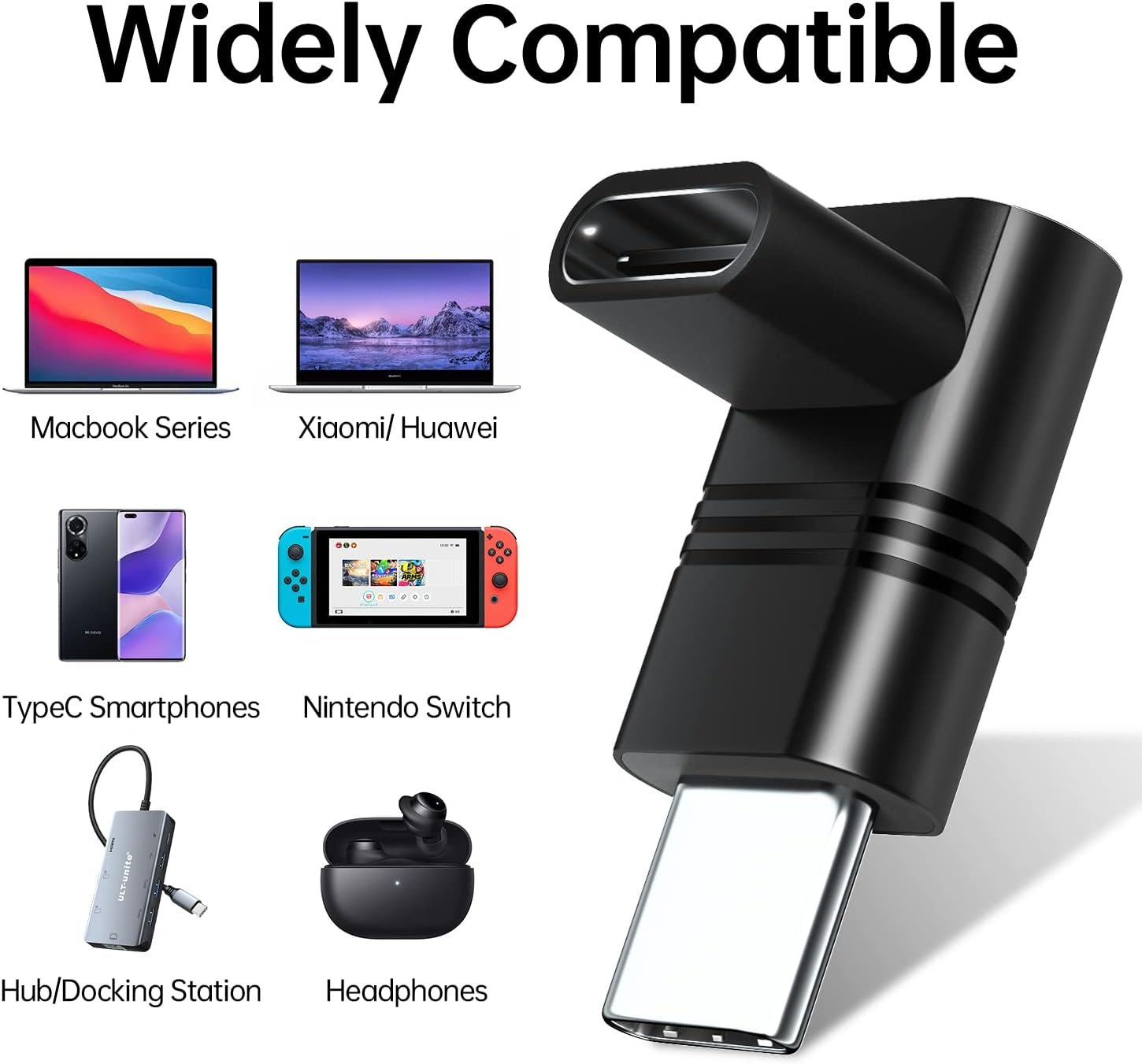
In the era where electronic devices prioritize thinness and simplicity, a single USB-C port is increasingly becoming the norm. However, our daily work and life still require various traditional interfaces, such as HDMI, USB-A, VGA, and SD cards. The Adapter (or Dongle) is the essential tool for solving this "interface gap."
The primary function of an adapter is to achieve protocol or physical interface conversion. It addresses the following core challenges:
Thinning of Devices: Modern laptops, in pursuit of extreme portability, often only include USB-C or Thunderbolt ports, lacking the space for bulkier USB-A or HDMI interfaces.
Legacy Compatibility: Many older monitors, projectors, or peripherals still use HDMI, VGA, or Ethernet ports. Adapters ensure new devices can connect to these existing accessories.
Functionality Expansion: Adapters don't just convert interface types; they can also expand capabilities. For example, a single USB-C port can be turned into a hub that features multiple USB-A ports, SD card slots, and a charging port.
Based on their conversion function and purpose, adapters can generally be categorized as follows:
These are the most common types, involving only physical interface conversion, and are typically unidirectional:
USB-C to USB-A: Used for connecting older USB-A devices like flash drives, keyboards, and mice.
USB-C to HDMI/VGA: Used for outputting video signals to monitors or projectors.
USB-C to 3.5mm Audio: Used to solve the need for connecting wired headphones to phones that lack a dedicated audio jack.
These adapters involve complex signal processing and are often used in high-performance or professional settings:
Thunderbolt 3/4 to DisplayPort/HDMI 2.0: Used for high-resolution video output (such as 4K@60Hz or higher), ensuring signal integrity.
USB to Ethernet (Network Port): Used to achieve stable, wired network connectivity on laptops that do not have a built-in Ethernet port.
Selecting a high-quality adapter is crucial; otherwise, you might encounter issues like connection drops, charging interruptions, or black screens:
| Key Factor | Explanation |
| Bandwidth/Speed | Ensure the adapter supports the highest speed your device can offer, such as whether the USB-A port supports 10Gbps or if the HDMI port supports 4K@60Hz. |
| Power Delivery | If the adapter is multi-functional, ensure it supports Power Delivery (e.g., PD 3.1) and can pass through enough power (e.g., 100W/240W) to charge your host device. |
| Heat Dissipation & Material | High-speed transmission and high-power charging generate heat. Choosing an adapter with a metal casing offers better heat dissipation and durability. |
| Cable Length & Design | Consider if the adapter's cable length is appropriate. Some products feature a compact L-Shape design or short cords, making them easier for travel and use in tight spaces. |
Adapters are an indispensable bridge in modern mobile work and professional creation. Choosing an adapter that meets your device's needs and supports the latest high standards (such as 240W PD and 20Gbps data transfer) will allow you to break free from interface limitations and achieve a smooth and efficient workflow.
You must be 18 years of age or older to view page. Please verify your age to enter.
Your access is restricted because of your age.